A lot of Malta SMEs are still running remote work like a pandemic emergency, not a permanent way of doing business. Staff are connecting from home, from cafés, from airports — and the company network is basically wide open if you know where to push.
According to Eurostat data shared via EURES, over 11% of Malta’s workforce usually works from home, putting Malta among the top EU countries for remote workers. That’s not side business — that’s core operations happening outside your office walls. If your security thinking stops at the office firewall, you’re exposed.
#Securing a remote workforce: why Malta SMEs are behind
The primary keyword here is simple: securing a remote workforce. The hard part is that most Malta SMEs still treat it like a side issue instead of a core risk.
Here’s the pattern we see repeatedly when we audit small businesses:
- Remote access set up quickly during Covid and never reviewed again.
- Staff mixing personal and work devices with no controls.
- No visibility into where company data actually lives.
Eurostat shows that the share of people in Malta usually working from home jumped from around 6% pre-2019 to over 11% by 2023 and has stayed high. That means your risk surface has almost doubled while your controls probably stayed the same.
At the same time, ENISA’s Threat Landscape 2024 highlights ransomware, data theft and attacks against availability as top threats for European organisations. SMEs are specifically mentioned as having weaker cyber hygiene and less formal processes, which is exactly what shows up in remote work setups.
The biggest remote work risk for Malta SMEs isn’t a new type of malware — it’s the quiet, unmanaged sprawl of devices, apps and data that no one is officially responsible for.
#Common remote work security mistakes Malta SMEs make
Let’s be specific about what “getting it wrong” looks like.
#1. Using consumer tools for business access
During Covid, plenty of Malta businesses gave staff basic remote tools and never upgraded:
- Remote desktop opened directly on the internet with weak passwords.
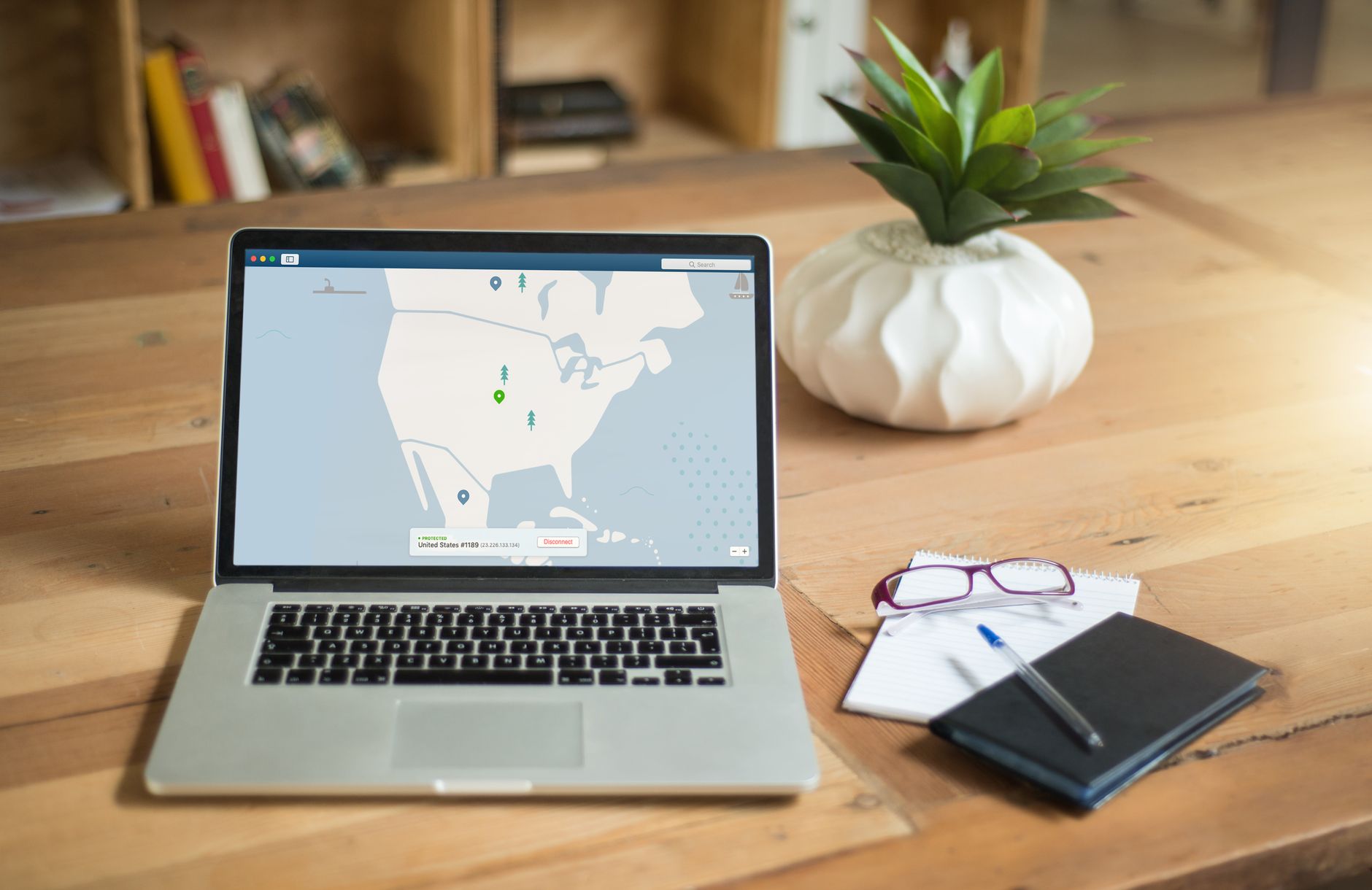
- Consumer VPN services instead of a properly managed business VPN.
- Free cloud storage used as a shortcut for “accessing files from home”.
This is the same mindset that leaves businesses stuck on cheap shared hosting long after they’ve outgrown it — we covered that in detail in our post on 5 signs your business has outgrown shared hosting.
When your accountant, sales manager and director all access core systems through consumer tools, you effectively bypass the protections you invested in on the office side.
#2. No control over devices
A typical Malta SME has a mix like this:
- One company-issued laptop.
- Staff using personal laptops when the company device is slow or left at the office.
- Work email on personal phones with no screen lock policy.
Without standardised, managed devices:
- You cannot reliably enforce updates.
- You cannot ensure endpoint protection is installed and active.
- You have no idea which devices hold client data.
If a staff member’s personal laptop with years of old downloads and no antivirus is used to connect to your systems, your attack surface is wide open.
#3. Home Wi-Fi treated as “someone else’s problem”
Malta’s home internet is generally fast, but security is all over the place:
- Default router passwords never changed.
- Weak Wi-Fi passwords shared widely with family and guests.
- Old routers with unpatched firmware.
When your staff use insecure home Wi-Fi to access business systems, you’re trusting their ISP router setup to protect your data. That’s not a security strategy.
#4. Email still unsecured while staff work from everywhere
Remote work means more email, more attachments, more quick approvals from phones. That’s exactly where Business Email Compromise attacks thrive.
We’ve already explained how Business Email Compromise drains small businesses in our post on the most expensive attack you’ve never heard of. Remote work multiplies that risk:
- Approvals sent from unsecured devices.
- Fake invoices slipping through because no one double-checks from a proper workstation.
- Password-only access to email accounts, often reused across services.
#Remote workforce security vs traditional office security
Here’s how securing a remote workforce differs from just securing the office.
| Aspect | Traditional office security | Remote workforce security |
|---|---|---|
| Network access | Staff connect on-site behind a central firewall | Staff connect from home, mobile networks and public Wi-Fi via VPN or cloud services |
| Device control | Company PCs on a local domain, easier to manage | Mix of company and personal devices, harder to standardise |
| Data location | Mostly on on-prem servers and known shares | Scattered across laptops, cloud apps and personal devices |
| Monitoring | Centralised logs from office systems | Fragmented, and often limited to core systems only |
| Attack surface | Office network and a few external-facing services | Every remote user’s home router, device and online habits |
Many SMEs assume that if the office is secure, the business is secure. With remote work, that’s simply false. Your “perimeter” is now every staff member’s living room.
#Practical steps to start truly securing a remote workforce
You don’t need a six-figure security project to tighten up remote work. You do need a clear plan and some non-negotiables.
Here’s a practical checklist Malta SMEs can use.
-
Standardise and manage devices Issue company laptops to all regular remote workers and ban the use of unmanaged personal devices for core systems. Install endpoint protection, enforce disk encryption and make sure updates are centrally managed.
-
Use a business-grade VPN or secure remote access Set up a managed VPN or secure remote gateway, tied to user accounts and roles. Avoid exposing RDP or similar services directly to the internet, and make MFA mandatory for remote access.
-
Lock down email and identity Enable multi-factor authentication for email and key cloud apps. Enforce strong password policies and central identity management (for example, through Microsoft 365 or Google Workspace), instead of letting each system manage its own logins.
-
Define a remote work security policy Document clear rules covering Wi-Fi security, device use, data storage, and incident reporting. Make it part of onboarding and have staff explicitly agree to it. Policy without communication is just a PDF in a folder.
-
Set minimum standards for home networks Require staff to change default router passwords, use WPA2 or WPA3 encryption, and avoid sharing Wi-Fi with guests without limits. Provide simple one-page guides so they don’t have to figure it out alone.
-
Centralise data storage and backups Ensure company data lives in controlled locations, not scattered across random laptops and free cloud accounts. Use managed cloud storage or on-prem shares with proper access control, and combine that with a proper backup system that covers remote devices and cloud data.
-
Monitor and respond, not just “set and forget” Enable logging on VPN, email, and key business systems, and make someone responsible for reviewing alerts. Even basic monitoring of logins from unusual locations or devices can catch problems before they become full incidents.
-
Use available Malta schemes to fund improvements Schemes like MITA’s CYBER+ALT and MDIA’s Cyber Assess can offset a big chunk of the cost of upgrading your remote work security, including vulnerability management, identity and access management, and endpoint protection. That’s real budget help, not theoretical support.
If you want to stop worrying about securing a remote workforce, get in touch — we work with Malta businesses to make IT one less thing on your list.